

Got Questions? Look Here
Frequently Asked Questions
Common Questions
Do you have any questions about our app? Check out the frequently asked questions and their answers! Updated July 2nd, 2026.
Yes! You can use Moodify before purchasing. Every new user receives 20 free credits to get started. You can also earn additional credits by watching rewarded videos, and we automatically give you 1 free credit every day at midnight. This allows you to explore and enjoy Moodify's features before deciding whether to purchase more credits.
Not yet. Moodify is currently available only on Android devices. We are actively working on an iPhone (iOS) version, which will be released in the future. Stay tuned for updates as we expand support to more platforms.
To use Moodify, you'll need:
- • An Android smartphone or tablet.
- • An internet connection for AI features and credit updates.
- • A Moodify account.
- • Available credits to generate AI content (new users receive 20 free credits to get started).
- • The latest version of the Moodify app installed from our official download source.
You can continue using Moodify by earning credits through rewarded videos, receiving 1 free credit daily at midnight, or purchasing additional credits as needed.
Note: Moodify is currently available only on Android devices. iPhone (iOS) support is coming soon.
Your privacy is important to us.
Moodify is designed to provide AI-powered experiences while respecting user privacy. We only collect the information necessary to operate the app, manage accounts, process credits, and deliver our services.
We do not sell your personal information to third parties. Any data collected is used solely to improve your experience, maintain app functionality, and provide customer support when needed.
We are committed to protecting your data and maintaining a secure environment for all users.
For complete details about how information is collected, used, and protected, please review our Privacy Policy.
To delete your account and associated data, please send us an email requesting account deletion. Once your request is received and verified, your account and data will be permanently deleted within 30 days. (Deletion normally takes 24-48 hours)
For more information about how we collect, use, and protect your data, please visit our Privacy Policy.
You can edit your personal information in the Moodify app by going to User Settings, then selecting MY ACCOUNT, and choosing Manage Your Profile. From there, you can update your personal details.
Setting up a Moodify account is quick and easy. Simply sign up using your email address and create a password, then confirm your account. You can also create an account instantly using Google Sign-In for a faster registration experience.
Installing Moodify is easy. Simply open the Google Play Store on your Android device, search for "Moodify," and tap Install. Once the download is complete, open the app and sign in or create an account to get started.
Not at this time. Moodify is currently available only for Android devices through the Google Play Store. We are actively developing an iPhone (iOS) version and look forward to bringing Moodify to Apple users soon.
You can delete your AI-generated content at any time by going to your Profile and removing the creations you no longer wish to keep. Once deleted, the creations will be permanently removed from your account.
Yes! Moodify offers a free trial experience. All new users receive 20 free credits when they create an account. You can also earn additional credits by watching rewarded videos and receive 1 free credit every day at midnight, allowing you to continue exploring the app before making a purchase.
Have more questions? Ask your question here
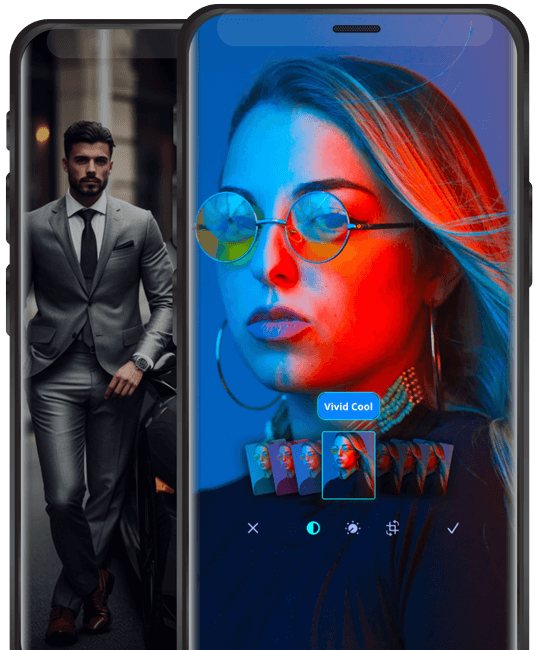
Join the millions of users already experiencing the future of photography
Download Moodify today and unlock a world of endless creativity.